Cybersecurity | Threat Intelligence | Awareness
Dec 5, 2025
Phishing Attacks: How Cybercriminals Deceive Users and How Your Organisation Can Fight Back
Phishing Attacks: Understanding the World’s Most Persistent Cyber Threat
Phishing remains one of the most widespread and successful cyber-attack vectors, responsible for more than 90% of modern data breaches. Despite continuous advancements in security tools, phishing attacks evolve daily, becoming more personalised, more convincing, and dramatically more difficult for users to detect.
For businesses across all sectors, including finance, energy, healthcare, retail, public services, and small businesses, phishing is not a technical problem alone; it is a human problem. Attackers know that targeting people is easier, cheaper, and more effective than exploiting hardened systems.
In this article, we break down what phishing is, why it works, the types of phishing attacks organisations face today, and what steps your business can take to protect itself in 2025 and beyond.
What Exactly Is Phishing?
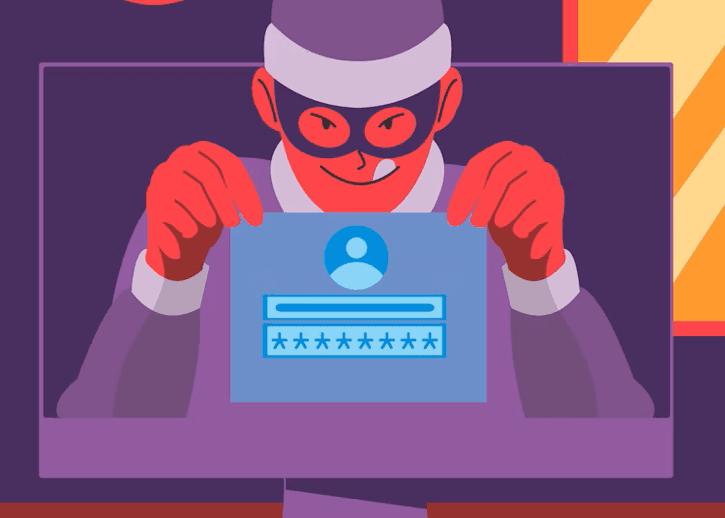
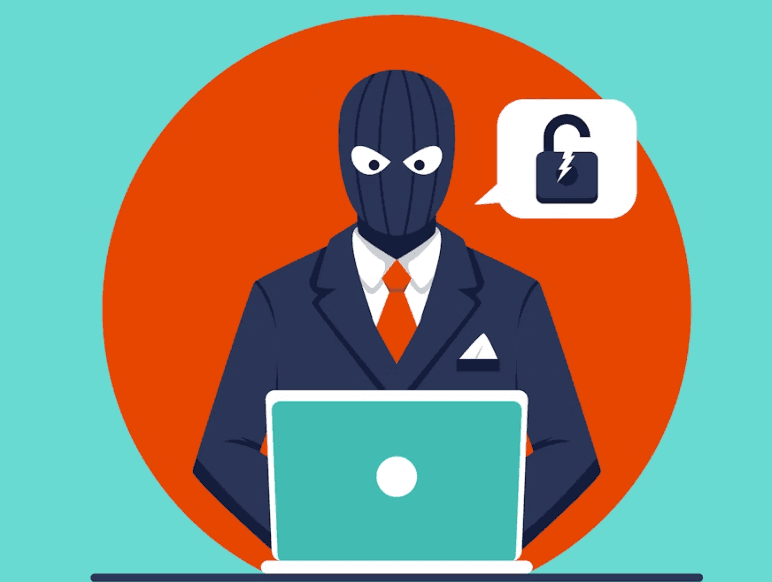
Phishing is a social engineering technique where attackers deceive individuals into performing harmful actions such as:
Clicking malicious links
Opening infected attachments
Sharing personal or organisational credentials
Approving fraudulent payments
Providing sensitive business information
These attacks typically masquerade as legitimate messages from trusted entities, including banks, cloud platforms, managers, HR departments, government institutions, vendors, or even coworkers.
Phishing works because it exploits human trust, urgency, fear, curiosity, and routine behaviour.
Why Phishing Attacks Are So Effective
Cybercriminals consistently succeed with phishing because:
1. They rely on human psychology
People make quick decisions under pressure. Attackers exploit emotions such as urgency (“Your account will be suspended”), fear (“Unusual activity detected”), and reward (“You’ve won a gift!”).
2. Phishing is cheap and scalable
One attacker with a laptop can send millions of phishing emails at almost no cost.
3. Attackers now use AI
Generative AI enables cybercriminals to produce personalised messages with perfect grammar, realistic personas, cloned voices, and targeted hooks.
4. Organisations rely heavily on email and remote collaboration tools
This increases the number of communication channels attackers can exploit.
5. Users are overwhelmed with digital fatigue
Busy employees can fall for even amateur-level phishing attempts when multitasking.
Common Types of Phishing Attacks in 2025
Cybercriminals use different forms of phishing. Understanding them strengthens your defence posture.
1. Email Phishing
The classic method, fraudulent emails appearing legitimate.
Often used to steal passwords or spread malware.
2. Spear Phishing
Targeted at a specific person or department, using personalised details to increase believability.
E.g., “Hi David, here is the invoice you asked me to process urgently.”
3. Whaling (CEO Fraud)
High-level executives are impersonated to approve payments or authorise data access.
Common in finance, HR, and procurement departments.
4. Smishing
Phishing delivered through SMS or WhatsApp.
Messages such as: “Your package is awaiting confirmation, click here.”
5. Vishing (Voice Phishing)
Phone calls that impersonate banks, government agencies, or internal teams.
AI voice cloning is making vishing more dangerous.
6. Business Email Compromise (BEC)
Attackers compromise or spoof a real corporate account to deceive colleagues or clients.
BEC attacks account for billions in global financial losses yearly.
7. Clone Phishing
An attacker replicates a real email previously received by the victim but replaces attachments or links with malicious ones.
8. OAuth Phishing
Instead of stealing passwords, attackers trick users into giving access permissions to malicious applications (common with Microsoft 365 and Google Workspace).
Real-World Impact of Phishing Attacks
Phishing attacks can lead to:
Financial loss (fraudulent transactions, ransomware payments)
Credential theft and lateral movement within networks
Data breaches and regulatory penalties (GDPR, PCI-DSS, NIS2, HIPAA)
Downtime and operational disruption
Loss of customer trust and brand reputation
Compromised OT/ICS environments in critical infrastructure sectors
In sectors like energy, telecoms, and water utilities, where IT and OT systems intersect, phishing poses a direct operational risk capable of affecting safety, continuity, and national infrastructure integrity.
How Organisations Can Protect Themselves from Phishing
Below are the most effective and practical controls that modern organisations should adopt:
1. Implement Multi-Factor Authentication (MFA)
Even if a user’s credentials are stolen, MFA adds a protective barrier.
However, organisations should now prefer phishing-resistant MFA such as:
FIDO2 hardware keys
WebAuthn
Certificate-based authentication
2. Use Advanced Email Security Filters
Modern email gateways can detect:
Malicious URLs
Spoofed domains
Suspicious attachments
Known phishing campaigns
AI-generated patterns
Tools like Secure Email Gateways (SEGs), sandboxing, and behavioural AI enhance detection.
3. Deploy Security Awareness Training & Simulations
Training must be continuous and realistic, covering:
How to identify phishing, smishing, and spear phishing
How to handle suspicious messages
How to report incidents
Executive-level whaling simulations
OT-specific phishing scenarios
Awareness increases user vigilance across the entire organisation.
4. Enable Domain & Email Authentication Controls
Protect your organisation’s domain from being spoofed:
SPF (Sender Policy Framework)
DKIM (DomainKeys Identified Mail)
DMARC enforcement
BIMI for brand protection
5. Implement Zero Trust Access Controls
Never trust, always verify.
A compromised account should not automatically access sensitive applications or networks.
6. Monitor Identity Behaviour with UEBA
User and Entity Behaviour Analytics detect unusual activities such as:
Logins from unusual locations
Sudden large file downloads
New OAuth grants
Privilege misuse
This helps identify attacks even after credentials are stolen.
7. Build a Rapid Incident Response Process
A powerful anti-phishing strategy includes:
Automated isolation of suspicious emails
Clear reporting pathways
Playbooks for BEC, ransomware, and credential compromise
Forensics and threat hunting
Executive-level communication plans
Organisations with mature incident response reduce breach impact significantly.
Phishing in the Age of AI: Attackers Are Getting Smarter
AI has profoundly changed the phishing landscape. Attackers now use:
AI-written emails with near-perfect grammar
Deepfake voice calls mimicking executives
Automated spear-phishing that targets thousands of employees with personalised details harvested from social media
Chatbot-based phishing on websites and messaging platforms
This makes traditional defences insufficient without a layered, adaptive security model.
How CoreDefense Helps Organisations Strengthen Their Anti-Phishing Strategy
CoreDefense supports organisations with:
Threat-informed training
Email security configuration reviews
Zero Trust advisory
Incident response and forensic support
Security operations workflow optimisation
Governance & policy development
Risk-based phishing assessments
AI-powered threat triage and reporting (via COREXAI visual explainers)
Our approach blends technical controls, human resilience, and strategic governance, ensuring organisations stay ahead of rapidly evolving threats.
Practical Checklist: How Employees Can Spot Phishing Emails Quickly
Use the S.L.A.M. method to help teams rapidly identify suspicious messages:
S — Sender
Is the email from a legitimate address? Is the domain slightly altered?
L — Links
Hover before clicking.
Does the URL redirect to a suspicious or unfamiliar website?
A — Attachments
Unexpected attachments, especially ZIP, EXE, HTML files, are major red flags.
M — Message
Does the message create urgency, fear, or reward?
Are there grammatical inconsistencies or unusual requests?